
Brush an area. Describe a change.
Edit selected parts of a photo with a brush and a text prompt.
Download on the App StoreIn-app purchases available.

Select. Describe. Create.
Make a targeted change, then review the AI-assisted result.
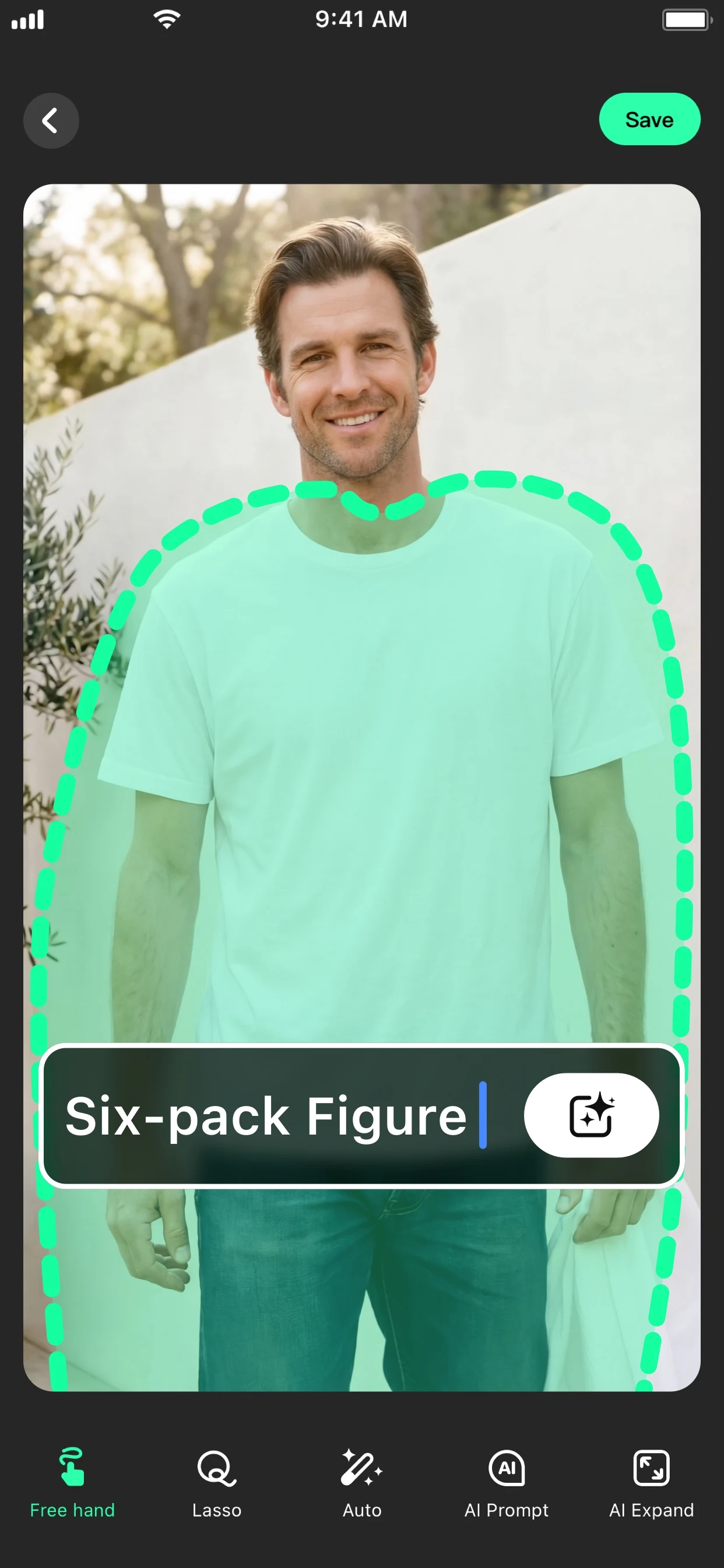
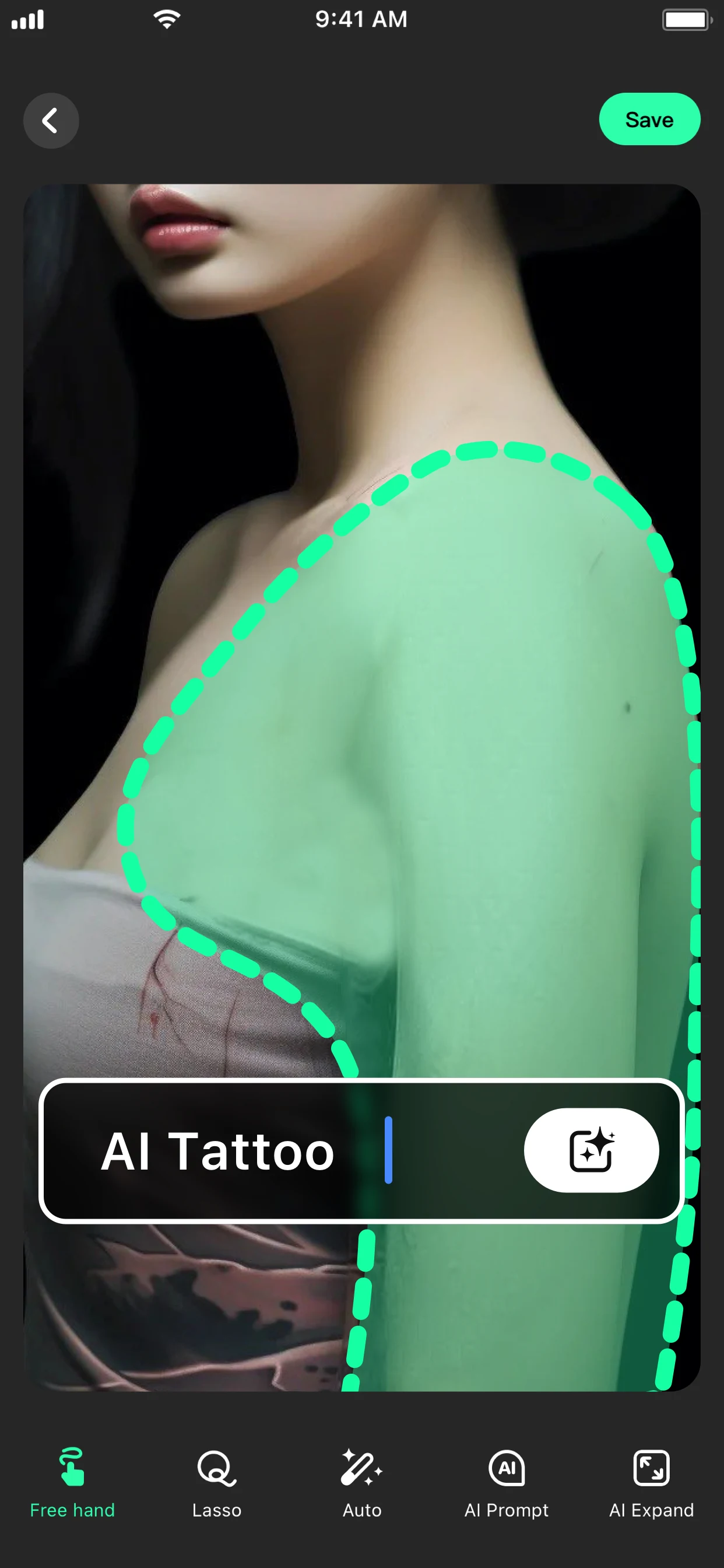
Give your photo a new direction.
Open your photo
Start with an image you want to edit.
Mark the area
Use the selection tools to choose what changes.
Describe and review
Write a prompt, generate the edit, and check the result.
Current App Store artwork. Results vary.
Be specific about what changes.
Describe the object, color or background you want. Make one change at a time and review the result.
Explore the editing guidesGet more from your next edit.
A little guidance.
Need help? Visit Support.
How do I change part of a photo?
Choose a photo, mark the area, enter a prompt, and review the AI-assisted edit.
Does AI Fill include purchases?
Some features and usage may require an in-app purchase. Availability, limits and prices depend on the current offer and region. Review the details in the app before purchasing.
Can I edit photos on this website?
Use the AI Fill app to edit your photos. This website provides product information, guides and support.